Random Letter Generator
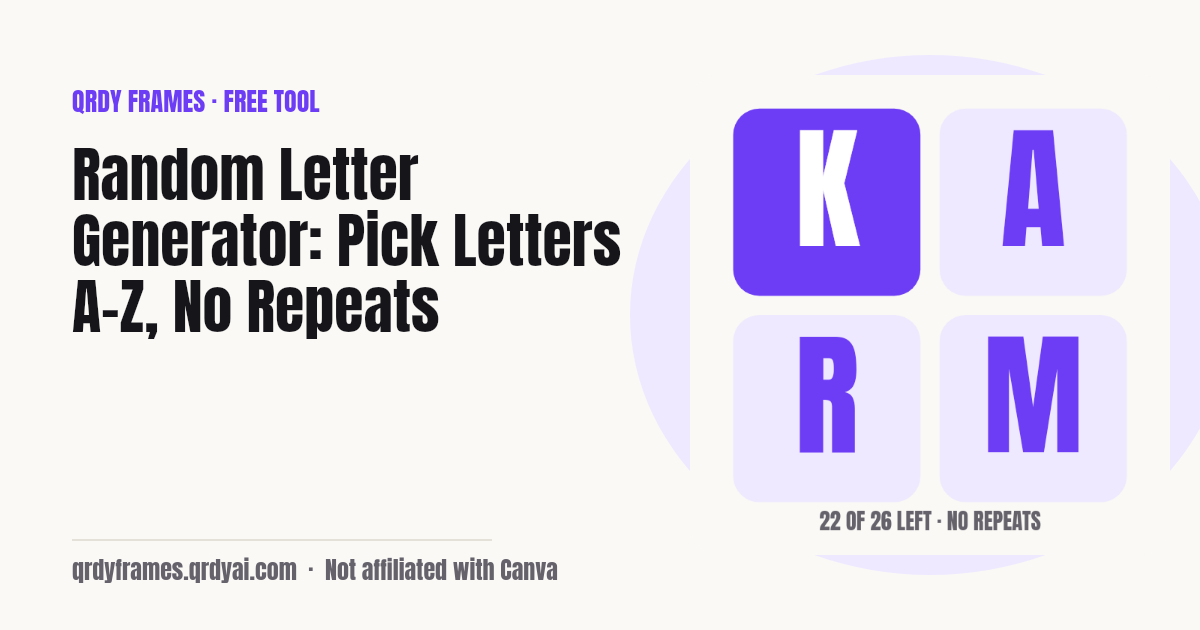
Pick one or more random letters from A to Z with no repeats until the alphabet is used, spin them on a wheel, make random words or run a Scattergories round.
26 of 26 left in this round
Draw a letter first to copy or download it.
Advanced: case, letter set, skip Q X Z, sound
History
Every draw, spin, word list and round lands here with its time (last 50); tap one to copy it. Your settings are saved in this browser too.
Nothing leaves your device. Every draw uses crypto.getRandomValues, settings and history live in this browser only, and no letter, word or custom set is ever sent to a server or into analytics. The URL carries only the tab; a game link you share carries only the letter seed, the categories and the timer, after the #, never answers or names.
How to use the random letter generator
Set the count, press Generate letter, read the tile: three steps, no sign-up, a letter already on screen when the page opens.
- Choose how many letters you want (1 to 26) and leave No repeats on so every letter comes up once before any repeats. Under Advanced, pick the case (uppercase, lowercase or both) and the set: A–Z, vowels only, consonants only, or type your own letters; Skip hard letters leaves out Q, X and Z.
- Press Generate letter, or hit Space or Enter. The letters appear as big tiles and the counter shows how many letters are left in this round. Switch to the Wheel tab to spin the same set on a letter wheel, or to Words for random English words.
- Copy the result, download it as a PNG, or press Present for a full-screen letter the whole room can read. Your settings and the last results are saved in this browser, so next lesson everything is where you left it.
Is the random letter generator really random?
Yes: every draw uses the browser's cryptographic random generator (crypto.getRandomValues) with rejection sampling, so each letter in the set has exactly the same chance and no letter is favoured. Math.random is never used, and the page never remembers a 'lucky' letter.
No repeats works like drawing letters from a bag. The set goes into the bag, each draw takes letters out without putting them back, the counter shows how many are left, and when the bag is empty it is refilled and a new round starts. With several letters per draw, a single draw never shows the same letter twice, whether No repeats is on or off.
Random word generator
The Words tab is a random word generator: it picks 1 to 20 random English words, filtered by length, first letter and part of speech (noun, verb or adjective). One click sets the first letter to the letter you just drew, so a letter round can turn into a word round.
The words come from Qrdy common classroom words, about 4,000 common English words tagged noun / verb / adjective, written for this tool and screened for classroom use, released as CC0 1.0 (public domain). The list is a small static file that loads only when you open the Words tab, so the letter tool stays light, and a block list is applied on load as a second check. If a filter combination has no match the tab says so and suggests what to loosen; it never shows an empty result silently.
Looking for the random word generator directly? /tools/random-word-generator opens this page on the Words tab.
Classroom and party games with random letters
A random letter is the start of a dozen quick games: here are six that work with this page, from a two-minute warm-up to a full Scattergories round.
- Scattergories: Draw a letter, start the two-minute timer and name something in each of the twelve categories that starts with that letter; the Scattergories tab does all three.
- Alphabet hunt: Generate one letter and have the class find an object in the room, a word in the text or a country on the map that starts with it.
- Spelling warm-ups: Draw three letters and ask for the longest word that uses all of them, or the most words that start with the first one.
- Pictionary prompts: Switch to Words, set nouns only, and draw the word you get; the Present mode shows it to the drawer only if you turn the screen.
- Name a thing: A letter and a category (animal, food, city) in turn around the circle, with No repeats on so the letter changes every round.
- Handwriting practice: Set the case to Both so each tile shows Aa, and let young writers copy the pair that comes up.
Teaching from Canva slides? Spin Wheel Maker puts a clickable letter wheel inside the design itself, so the class watches the letter land on your slide: try Spin Wheel Maker in Canva. Need a quick yes or no, or teams for the game? Spin the Yes or No Wheel or split the class with the Random Team Generator.
How to play a Scattergories-style round with this page
One letter, one countdown, twelve categories: the Scattergories tab runs the round and leaves the scoring to you.
- Open the Scattergories tab and press Start round: a letter is drawn with your letter settings (no repeats included) and the countdown starts, two minutes by default; pick 1 or 3 minutes or type your own length.
- Players write one answer per category that starts with the letter; the twelve categories are shown right under the letter and the timer, Next round keeps the same list (the standard way to play), New list gives twelve others, or paste your own list or pick a pack.
- The digits turn red in the last ten seconds and a buzzer sounds at zero. Compare answers, then press Next round for the next letter; Present mode puts the letter, the timer and the categories on the projector.
Game night: the same round on everyone's phone
Send one link and every player gets the same letter, the same twelve categories and the same countdown on their own phone, at the table or on a video call, with no room to create, no account and no server. After a round starts on the Scattergories tab, press Share this game: the link holds only a letter seed, the category list and the round length, so each phone works out the same letters for round 1, 2, 3 and on, and Next round on any phone gives the same next letter.
Start for everyone in 15 s adds a start time to the link: each phone counts down to the same moment from its own clock (phones keep network time, so all screens end within about a second). Someone who opens the link late sees the time left; after the end it shows Time's up with the list. On a phone the share sheet sends the link with a 1080 × 1350 "Tonight's list" card; Copy link and Download card do the same by hand.
Under the categories each player has an answer sheet: twelve numbered boxes that stay on that phone, in that tab only. At time's up the boxes lock and any answer that does not start with the letter (ignoring a, an and the) gets a small check-letter flag. Read out then shows one category at a time in huge type (Space and the arrow keys, or Next and Back), the group goes round the table, and each player taps Someone else had it to strike a duplicate; a private running score counts one point per answer kept.
The host keeps the scoreboard: add the players, type each player's round score after the read-out, watch the running totals, and Finish game night shows the winner with a little confetti (none with reduced motion). The last ten game nights and up to ten named category lists are kept in this browser, next to three packs we wrote: Holiday table, Kids (age 6+) and Grown-ups. Names and scores never go into the link, the card or analytics.
Splitting a big family into teams first? Use the Random Team Generator, then start a round and share the game.
Is anything I type saved or uploaded?
Nothing is uploaded: the letters, words, your custom set and your categories stay in this browser. Drawing happens on your device, the settings and the last results live in this browser's local storage under one key, and the analytics record only settings and counts (how many letters, which case, which set type, whether No repeats was on), never a letter, a word or a custom set.
Because the data is local, it does not follow you to another device, and clearing site data removes it. If your browser blocks storage, the generator still works, only without saved settings and history.
Random letter generator FAQ
Is the random letter generator free?
Yes, completely: no account, no sign-up, no limit on draws, no watermark on the PNG. It is one of the free tools made by the team behind Qrdy Frames.
Is it really random?
Yes. Each draw uses the browser's cryptographic random generator (crypto.getRandomValues) with rejection sampling, so every letter in the set has the same chance. Math.random is not used. The letter wheel draws one random angle the same way and the slice under the pointer is the result.
Can I stop letters repeating?
Yes. No repeats is on by default: letters are drawn from the set without replacement, the counter shows how many are left (for example 14 of 26), and when the set is used up a new round starts automatically. Reset starts a new round early. With several letters per draw, one draw never contains the same letter twice.
Can I pick only vowels or only consonants?
Yes. Open Advanced and choose Vowels (A, E, I, O, U) or Consonants (the other 21 letters) under Letter set, or type your own letters under Custom, for example the letters your class has learned so far. Duplicates are removed and anything that is not a letter is flagged.
Can I leave out Q, X and Z?
Yes. Turn on Skip hard letters (under Advanced) and Q, X and Z are removed from whichever set you chose; the tool says which letters it removed. Everything else stays the same, including No repeats and the wheel.
Can I make random words?
Yes. The Words tab picks 1–20 random English words from a list of about 4,000 common classroom words, filtered by length, first letter and part of speech (noun, verb, adjective). It loads only when you open the tab, and /tools/random-word-generator opens the page on it directly.
Can I use it on a projector?
Yes. Present fills the screen with a dark background and one huge letter or word, using the browser's Fullscreen API where available (iPhone Safari gets a covered window instead). Space draws the next one, Escape exits, and the Scattergories timer and categories run inside present mode too.
Does the Scattergories tab keep score?
Yes, if you want it to. Each player's phone has an answer sheet with a Read out view and a private running score, and the host's Scoreboard adds up each player's round scores, shows the winner and keeps the last 10 game nights in this browser. Paper works too: the round and its letter are added to the history either way.
How do I play a categories game with family on different phones or over video?
Start a round on the Scattergories tab and press Share this game, or Start for everyone in 15 s, then send the link to the group chat or paste it in the video call. Everyone who opens it gets the same letter, the same twelve categories and the same timer on their own phone, with an answer sheet under the list. No account, no app and no room code; Next round gives every phone the same next letter.
Are our answers or names sent anywhere?
No. Answers stay on each player's phone, in that browser tab only; player names and scores stay on the host's phone. The game link holds only the letter seed, the categories and the timer, in the part of the URL after # that browsers never send to a server, and analytics get counts only (for example how many answers were filled, bucketed), never an answer, a name or a category.
Is anything I type saved or uploaded?
Saved only in this browser, never uploaded. Settings, the custom set and the last 50 results live in local storage on your device; Clear history wipes the results. No letter, word, custom set or category is sent to a server or included in analytics.
More free tools
Every tool on this site runs in the browser: nothing you paste, type or upload is sent anywhere.
- Yes or No Wheel spin for a yes or no, with history and best of 3
- Random Team Generator split names into fair random teams
- Bingo Card Generator printable bingo cards from your words, a bingo caller and a winner check
- Classroom Timer projector countdown with presets, chained timers and a Pomodoro mode
- Password Generator strong passwords, passphrases and PINs
- Bulk QR Code Generator one QR code per row of a class list or sheet
- Christmas Ornament Photo Maker
- Circle Crop Image
- Heart Photo Frame
- All free tools
About this site
Qrdy Frames previews custom photo frames for Canva designs; the free tools are a side project of the same team, which also makes Spin Wheel Maker. Not affiliated with Canva.