Turn Any Image Into a Canva Frame
Any PNG with a transparent background can be a Canva frame: a logo, a product cut-out, a drawing, a silhouette. Drop it here to see the frame, then open the app to use it.
Opens the app inside Canva. Frames are created in the app, nothing to download here.
Need a transparent PNG? Remove the background free first.
Your image stays in this browser tab. Nothing is uploaded or stored.
Example: a cut-out photo becomes a frame

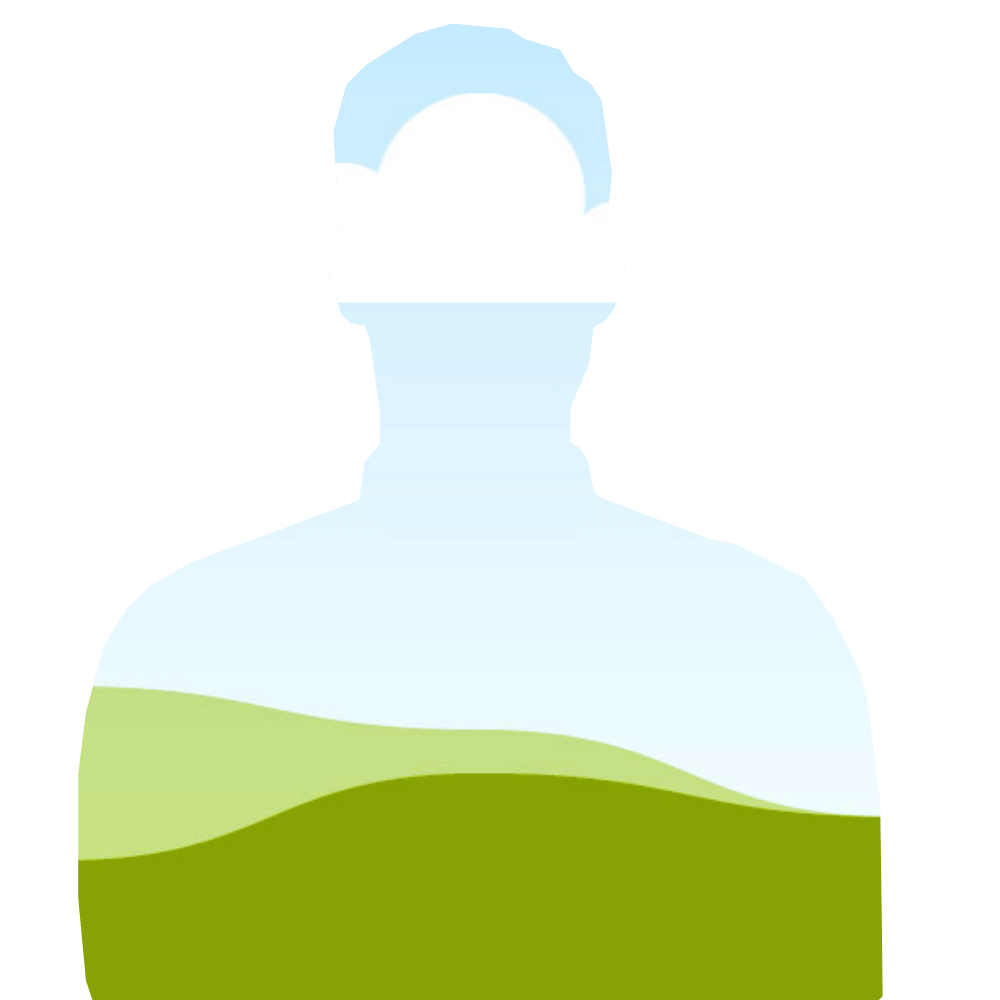
Drag the handle. Left is the frame, right is the original PNG. Drop your own PNG above to try it.
How to use it in Canva
Need more detail? Read the full guide on docs.qrdyai.com · How frames work in Canva
- Open Image to Frame in Canva and upload the same PNG.
- Pick the trace option you like. Your frame appears on the canvas.
- Drag any photo into the frame. Done.
Why makers use Image to Frame
Sellers on Etsy, print shops and junk-journal makers need frames that match their products: a mug, a tumbler, a tote bag, a die-cut shape. Image to Frame takes the PNG you already have and turns it into a Canva frame, so customers can drop their own photo in.
The preview on this page uses your PNG as a mask. The app traces it into a clean vector, so edges in Canva are smoother than the raster preview here.
Frames you make with Qrdy apps are yours to use in your Canva designs, personal or commercial. Other Canva elements in your design follow Canva's Content License. Qrdy Frames is an independent tool and isn't affiliated with Canva.
Questions
What file do I need?
A PNG or WebP with a transparent background. JPGs have no transparency, so they would become one rectangle.
Is my image uploaded?
Not on this page. The preview runs in your browser and the image is dropped when you leave. In Canva, the app processes the image to build the frame and media is removed afterwards.
Can I sell designs made with the frame?
Yes. Frames you make are yours to use in personal and commercial Canva designs.
Does it work with text or logos?
Yes, as long as the PNG is transparent around the shape. For words, Text to Frames gives cleaner letters.
Ready-made frames you can start from
Shapes from the library that open in Image to Frame.