
Trace to Frame · preview

How to Make a Frame in Canva by Tracing

Mockups without Photoshop: trace the area in a photo you want to fill and Trace to Frame turns it into a Canva frame that lines up with the picture.

Opens the app inside Canva. Frames are created in the app, nothing to download here.

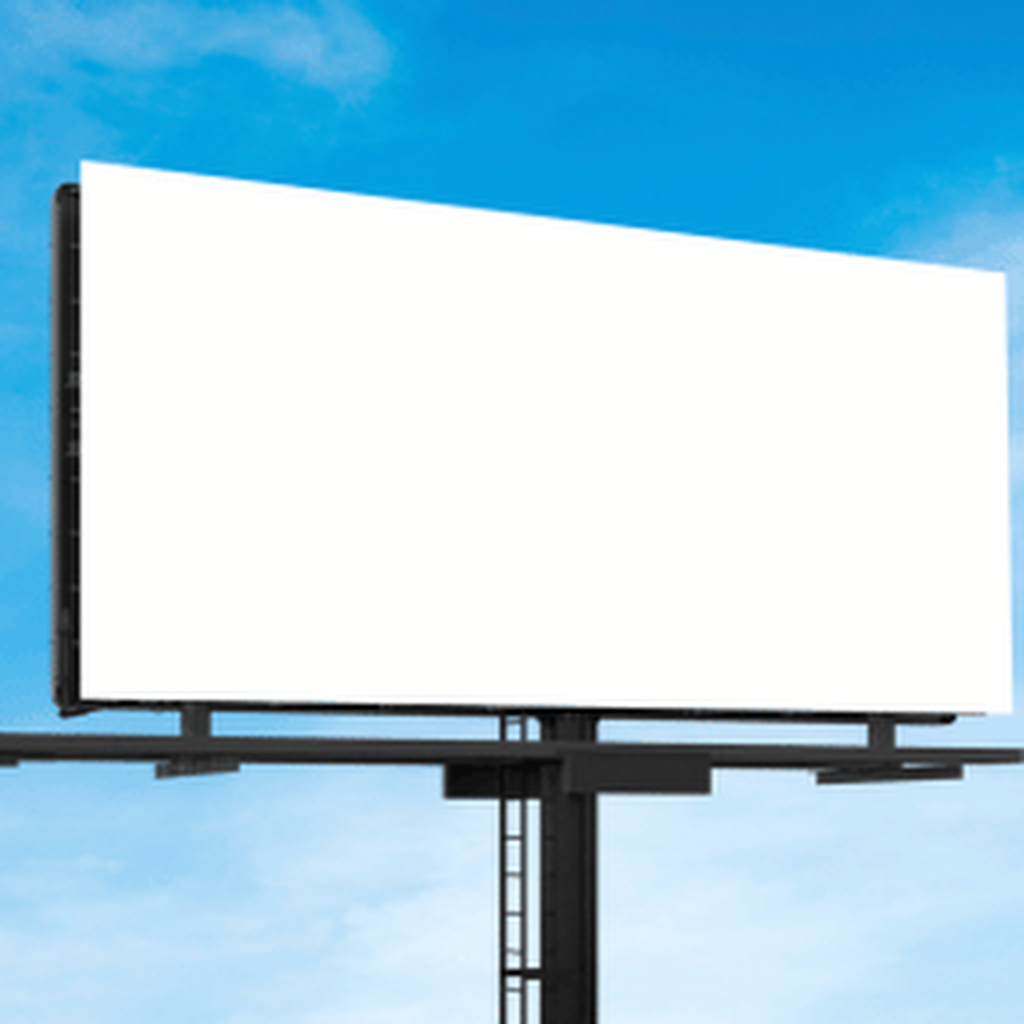
Photo of an empty roadside billboard
1. Start with a photoA billboard, a phone screen, a picture frame on a wall. Anything with a flat area to fill.
Four trace points around the billboard face
2. Click the cornersFour points around the billboard face. The app builds a frame that matches the perspective.
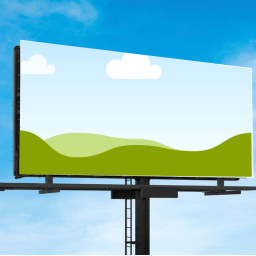
Design placed inside the traced billboard frame
3. Drop your design inThe frame sits exactly on the billboard. Swap designs as often as you like.

The same three steps in Canva

Need more detail? Read the full guide on docs.qrdyai.com · How frames work in Canva

  1. Open Trace to Frame in Canva and upload your mockup photo.
  2. Click the corners of the area you want to fill.
  3. Add the frame and drop your design in. It lines up with the photo.

Good for

Billboard and poster mockups, phone and laptop screens, framed prints on a wall, product labels, signage. Anywhere you want a design to look like it is already printed.

Rough or polished

Trace a quick four-point polygon for a flat surface, or add more points to follow a curved or irregular edge. The app smooths the path into a clean frame.