Christmas Ornament Photo Maker
Put any photo inside a Christmas ornament in a few seconds. Drop a picture and it appears inside a bauble, a stocking, a mitten, a star and ten more holiday shapes. Drag to move it, scroll or pinch to zoom, then download a transparent PNG you can print, send or drop into a card. Your photo never leaves your device.
Your photo never leaves your device. The whole tool runs in your browser. No upload, no account, no watermark.
Drag the photo to move it, scroll or use the slider to zoom. Hover to see the whole photo behind the shape.
2048 × 2048 px PNG, transparent background, no watermark. File: bauble-photo-qrdyframes.png
Shape
14 shapesWant it as a real Canva frame?
Want more shapes, borders, text, or to use it right inside your Canva design? Open Image to Frame in Canva.
Open Image to Frame in CanvaOpens the app inside Canva. Free to start, nothing to install.
How to use the christmas ornament photo maker
Three steps, under a minute, no account.
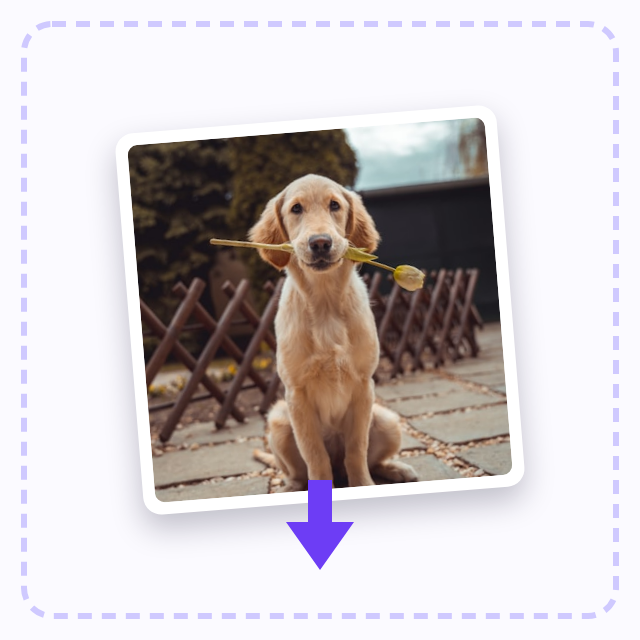
Drop a photo on the upload box, or click it to pick a file. JPG, PNG and WEBP work, up to 20 MB.
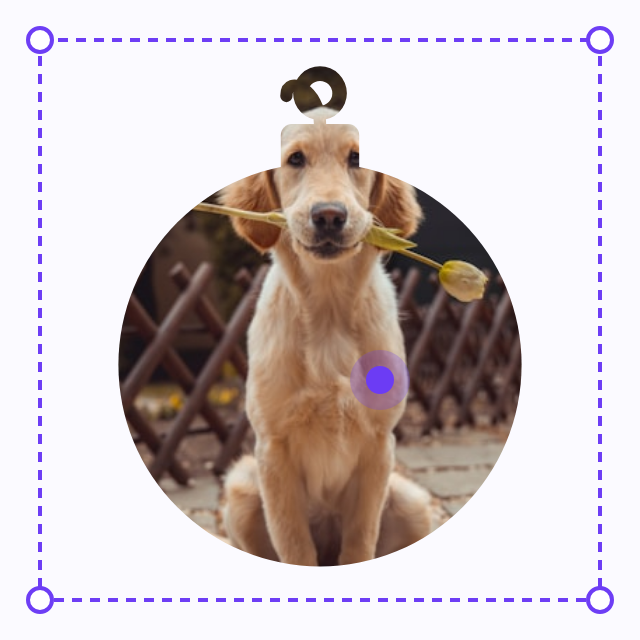
Pick an ornament shape. Drag the photo to move it inside the shape; zoom with the slider, the scroll wheel or a pinch. Hover to see the whole photo behind the shape. Reset puts it back.
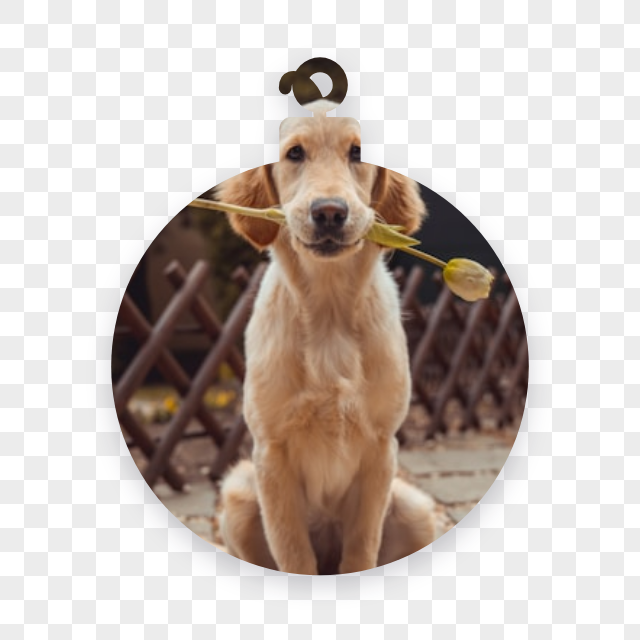
Choose a background (transparent, red gingham or snow) and a print size, then click Download PNG. The file is 2048 pixels with a transparent background.
What people make with it
The 14 shapes are the Christmas frames from the Qrdy Frames library, the same ones Image to Frame turns into real Canva frames. Here they work as cut-outs: the photo shows through the shape and everything outside it is transparent, so the PNG sits on any card, tag or background you like.
Printable ornaments for the tree
Print the PNG on photo paper or cardstock, cut around the shape and punch a hole at the top for a ribbon. Pick the 3 inch or 3.5 inch print size and the file prints at a common ornament size.
Christmas cards with a photo
Use the bauble or the star on the front of a card. Because the background is transparent, the shape sits cleanly on any colour, pattern or texture.
Gift tags that show who it is for
A small photo inside a gift box or a stocking tells the recipient the gift is theirs without a name. Download a few shapes and print them on one sheet.
Pet ornaments
Dog in a stocking, cat in a mitten, rabbit in a snowflake. Zoom in on the face and leave the ears a little room at the top of the shape.
A gift for grandparents
A grandchild in a wreath or a snow globe, printed and hung on their tree. It costs nothing, takes a minute and is the ornament they will keep.
Questions
How do I put a photo on a Christmas ornament?
Drop the photo above, pick a shape such as the bauble, drag and zoom until the face sits where you want it, and click Download PNG. Print it on photo paper or cardstock, cut around the shape and add a ribbon.
What size should I print?
Most hanging ornaments are 3 to 3.5 inches across. Choose that print size before downloading and the PNG is saved with the matching DPI, so Preview, Photoshop and most print services print it at that size. The file itself is 2048 pixels, enough for a sharp print.
Can I use a pet photo?
Yes. Any photo works: pets, kids, couples, products. Zoom in so the face fills the shape and leave room around the ears or the top of the head.
Is it really free?
Yes. No account, no watermark, no limit on downloads. The PNG is yours for personal and commercial use.
Is my photo uploaded?
No. The photo is read by your browser and drawn on a canvas on your own device. Nothing is sent to a server, and the photo is dropped when you close the page.
Can I edit it in Canva?
Yes. Open Image to Frame in Canva: it turns any shape into a real Canva frame, so you can swap photos, add text and borders, and reuse the same ornament across a card or a print sheet.
Related pages
Where the shapes come from
Every shape here is a frame from the Qrdy Frames library, drawn by Qrdy and free for personal and commercial use. In Canva the same shapes become real frames through Image to Frame and Frames Lab.