Free tools · run in your browser

Free Online Tools

Every tool on this page does one thing well and runs entirely in your browser, so nothing you drop, paste or type is uploaded. The photo tools put a picture inside a shape and download a transparent PNG; the other tools generate strong passwords and secrets or turn a list into hundreds of QR codes. No account, no watermark, no limit.

Nothing you drop, paste or type leaves your device. 7 tools, all free, no account, no watermark.

Photo tools

Drop a photo, see it inside a shape, drag and zoom, download a transparent PNG.

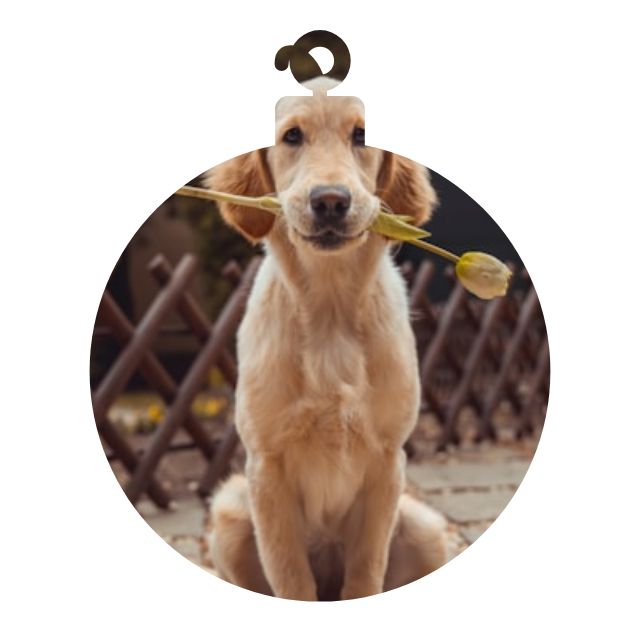
a sample photo inside a bauble shape, made with the christmas ornament photo maker
Free tool · Christmas

Christmas Ornament Photo Maker

Drop a photo and see it inside ornaments, stockings, mittens and more. Download a transparent PNG for cards, gift tags and printable ornaments. Free, no sign-up.

  • Photo stays in the browser, nothing is uploaded
  • 14 shapes
  • Drag to move, scroll or pinch to zoom
  • Transparent, red gingham or snow background
  • 3 in and 3.5 in print sizes saved as DPI
  • Transparent PNG download, 2048 px
  • Free, no sign-up, no watermark
Open the tool →Has an embed version for your own site.
a sample photo inside a circle shape, made with the circle crop tool
Free tool

Circle Crop Image

Crop any photo into a perfect circle in seconds. Add a border, download a transparent PNG for profile pictures, logos and designs. Free, no sign-up.

  • Photo stays in the browser, nothing is uploaded
  • 1 shape
  • Drag to move, scroll or pinch to zoom
  • Optional border with width and colour
  • Transparent PNG download, 400 / 1080 / 2048 px
  • Free, no sign-up, no watermark
Open the tool →Has an embed version for your own site.
a sample photo inside a heart shape, made with the heart photo frame
Free tool · Hearts

Heart Photo Frame

Place any photo inside a heart shape and download a transparent PNG. Perfect for Valentine's cards, anniversaries and collages. Free, no sign-up.

  • Photo stays in the browser, nothing is uploaded
  • 6 shapes
  • Drag to move, scroll or pinch to zoom
  • Optional border with width and colour
  • Transparent PNG download, 2048 px
  • Free, no sign-up, no watermark
Open the tool →Lives at the top of the heart frame page.

Other free tools

Generators that run in your browser too; each has its own three-step guide on its page.

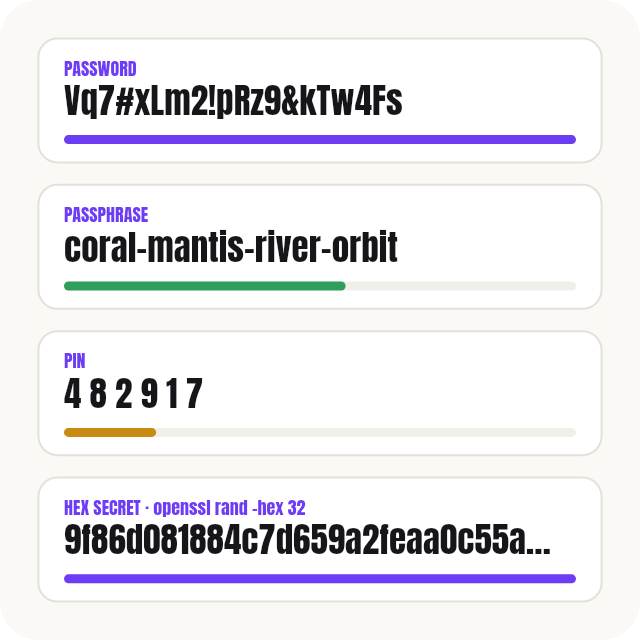
a strong password, a passphrase, a PIN and a hex secret shown as cards with strength bars
Free tool · runs in your browser

Password Generator

Free password generator that runs in your browser. Make strong passwords, memorable passphrases, PINs, API keys and JWT secrets, with the matching openssl command.

  • Passwords 4–128 characters
  • EFF passphrases, 3–12 words
  • PINs without obvious patterns
  • Hex, Base64, UUID, API key, JWT secret
  • Matching openssl / Python / Node command
  • Web Crypto only, nothing leaves the browser
Open the tool →Not a photo tool: passwords, passphrases, PINs and developer secrets, all made in your browser.
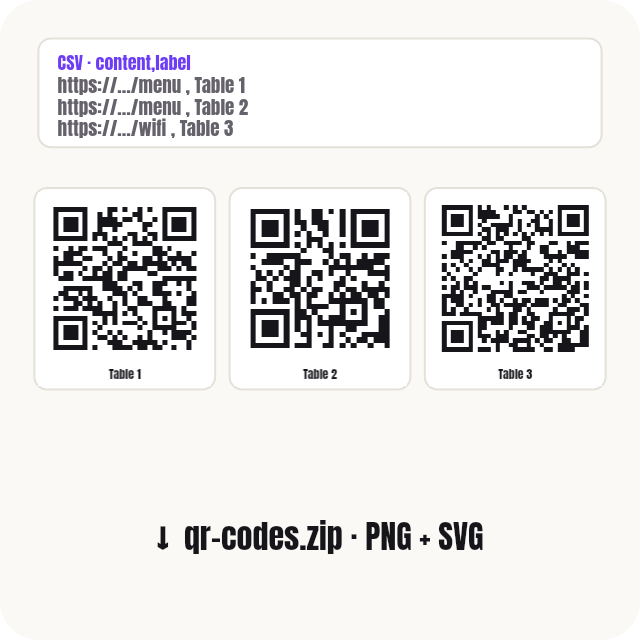
three labelled QR codes in a row made from a CSV list
Free tool · runs in your browser

Bulk QR Code Generator

Free bulk QR code generator. Paste a list or upload Excel/CSV, get hundreds of QR codes as PNG or SVG in one ZIP. No sign-up, runs in your browser.

  • Up to 2,000 codes per batch
  • Paste a list or upload CSV/TSV
  • URL, text, Wi-Fi, email, SMS, phone, vCard
  • PNG and SVG, 256–2048 px, in one ZIP
  • Logo, colours, labels, print sheet
  • 100 % in your browser, nothing uploaded
Open the tool →Not a photo tool: hundreds of QR codes from a pasted list or a CSV, as a ZIP of PNG/SVG or a print sheet.
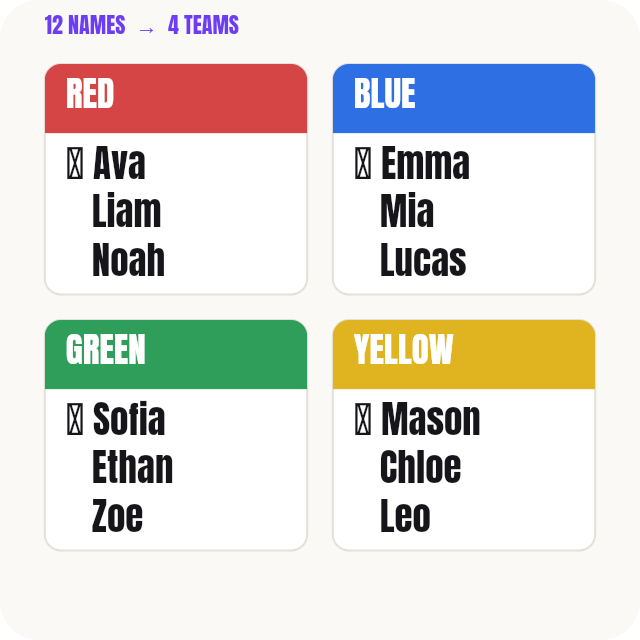
four coloured team cards, each with three names and one starred captain
Free tool · runs in your browser

Random Team Generator

Free random team and group generator. Paste names, pick teams or group size, get fair random groups. Save class lists, avoid repeat pairs, project on screen.

  • Up to 200 names, paste or CSV
  • By number of teams or people per team
  • Captains, themed team names, keep together / keep apart
  • 20 saved lists, 10 past splits each
  • Avoid repeating past teammates
  • Present mode, PNG, copy, print; nothing uploaded
Open the tool →Not a photo tool: random teams or groups from a list of names, with saved lists, repeat-pair avoidance and a present mode.
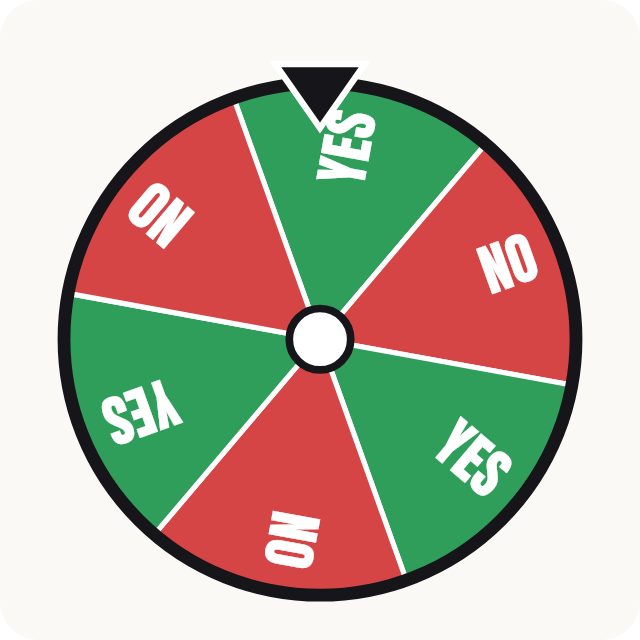
a six-slice wheel alternating green Yes and red No, with a black pointer at the top
Free tool · runs in your browser

Yes or No Wheel

Free yes or no wheel. Ask a question, spin, get your answer. Add Maybe, play best of 3, keep a history of your questions, or make your own decision wheel.

  • Yes / No, or Yes / No / Maybe
  • 2–10 slices, odds slider, rename the answers
  • Best of 3 or best of 5 with a running score
  • History of your last 50 questions, tap to ask again
  • Full screen, sound, tally of results
  • Copy link, download PNG; nothing uploaded
Open the tool →Not a photo tool: a yes / no (/ maybe) wheel with question history, best of 3 or 5, custom answers and odds, full screen and share.

How the photo tools work

Three steps, under a minute, the same on every photo tool.

  1. Drop a photo on the tool, or click to pick one. JPG, PNG and WEBP work, up to 20 MB.
  2. Pick a shape. Drag the photo to move it, zoom with the slider, the scroll wheel or a pinch. Add a border or a background where the tool offers one.
  3. Click Download PNG. Everything outside the shape is transparent, so the picture sits on any card, slide or background.

The other tools have their own three-step guide on their page: Password Generator, Bulk QR Code Generator, Random Team Generator, Yes or No Wheel.

Want it as a real Canva frame?

The shapes in the photo tools are frames from the Qrdy Frames library, the same ones that become real Canva frames in Image to Frame and Frames Lab. Use the PNG anywhere, or open the app in Canva when you want to swap photos, add text or reuse the shape across a design.

Opens the app inside Canva. Free to start, nothing to install.

Related pages

Where the shapes come from

Every shape in the photo tools is a frame from the Qrdy Frames library, drawn by Qrdy and free for personal and commercial use. In Canva the same shapes become real frames through Image to Frame and Frames Lab.

Questions about the free tools

Which tools are on this page?

7 tools. Photo tools: Christmas Ornament Photo Maker, Circle Crop Image, Heart Photo Frame. Other free tools: Password Generator, Bulk QR Code Generator, Random Team Generator, Yes or No Wheel. Every one runs in your browser, and nothing you drop, paste or type is uploaded.

Are these tools really free?

Yes. No account, no watermark, no limit. The PNGs, passwords and QR codes you make are yours for personal and commercial use.

Is anything uploaded?

No. Every tool runs in your browser: the photo tools draw on a canvas, the generators use the browser's own cryptography and encoding, and downloads are built in memory on your device. Nothing is sent to a server, and it is all gone when you close the page.

What do I get?

From a photo tool, a PNG with a transparent background, 2048 pixels on the long edge (the circle tool also offers 400 and 1080). The other tools say what they produce on their own page: a value you copy, a ZIP of files, a print sheet.

Can I put a tool on my own website?

The photo tools have an embed version: scroll to "Embed this tool" on the tool page, copy the iframe code and paste it into your site. The embed is free and links back here. The other tools have no embed yet; link to their page instead.

How are these different from the Canva apps?

The photo tools give you one PNG from a fixed set of shapes. The Qrdy apps on Canva (Image to Frame, Frames Lab, Text to Frames, Frame Collage) turn any shape into a real Canva frame, so you can swap photos, add borders and text and keep editing inside your design. The other tools are plain utilities with no Canva side.

Which shapes can I use?

In the photo tools: a circle (with an optional border), six hearts, and 14 Christmas shapes: bauble, stocking, mitten, star, snowflake, snowman, wreath, gift box, gingerbread man, candy cane, holly, reindeer, bell and tree star. More shapes come as new tools.