Yes or No Wheel
Type your question, spin the wheel, get a yes or a no. The wheel is ready the moment the page loads, and it is built for people who come back: your questions and their answers are kept as a history in this browser, Best of 3 and Best of 5 settle the hard ones, Maybe is one tap away, and the two answers can be renamed and weighted to make any decision wheel. Nothing is uploaded.
Customize answers and odds
Question history
Spin with a question in the box and it appears here with its answer, so you can ask it again (last 50).
Nothing leaves your device. Each spin draws one angle with crypto.getRandomValues, the slice under the pointer is the answer, history and custom answers live in this browser only, and your question is never sent to a server or into analytics.
How to use the yes or no wheel
Type a question, spin, read the answer: three steps, no sign-up, ready the moment the page loads.
- Type your question in the box above the wheel (it is optional; the wheel spins without one). Turn on Add Maybe if a third answer helps, and pick how many slices you want.
- Press Spin, tap the wheel, or hit Space or Enter. The wheel turns for a few seconds and slows down on your answer; a tick plays on every slice and a chime on the result (turn Sound off if you prefer).
- Read the big answer. Spin again, switch to Best of 3 for a hard call, copy a link so a friend can spin the same question, or download the result as a PNG. Questions with text are saved to your history so you can ask them again later.
Is the yes or no wheel random?
Yes: every spin draws one angle from the browser's cryptographic random generator (crypto.getRandomValues), so the result is a fair 50/50 unless you move the odds slider. The wheel does not remember your last answer, does not favour Yes, and the pointer is not steered toward anything.
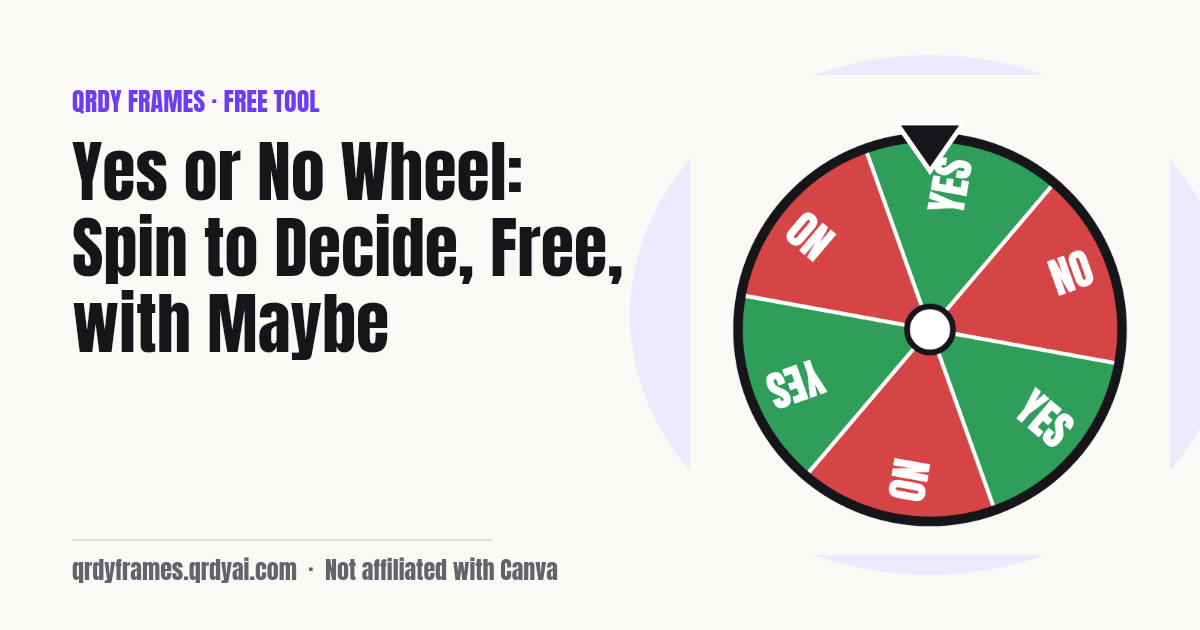
The picture matches the maths. Each answer owns a share of the wheel equal to its odds, spread evenly over its slices, and the slice the pointer stops on is the answer you get. Change the odds to 70/30 and the Yes slices really do get bigger; the tally under the wheel lets you watch the counts settle toward the odds you set.
Fun ways to use a yes or no wheel
A yes or no wheel is for any moment when a coin would do but a wheel is more fun: small daily choices, classroom games, streams, parties.
- Everyday choices: Pizza or pasta, go out or stay in, text them or not: let the wheel break the tie when you honestly do not mind.
- Classroom yes/no games: Put a true-or-false statement on the board, spin for the class's guess, then reveal; or rename the answers to Team A / Team B to pick who starts.
- Streams and giveaways: Let chat ask a question, spin on full screen, and the whole room watches the pointer land.
- Party games: Should the host do the dare? Spin. Best of 3 if the first answer causes an argument.
- Truth or dare: Rename the answers to Truth / Dare and weight them 70/30 to keep the game moving.
Teaching or streaming from Canva slides? Spin Wheel Maker puts a clickable spin wheel inside the design itself, so the class or the chat watches the pick happen on your slide: try Spin Wheel Maker in Canva. Need to split people into teams instead? Try the Random Team Generator.
Yes, no or maybe: when to add Maybe
Add Maybe when a third answer is genuinely useful: when 'not now' is a real option, when you want the wheel to send the decision back to you a third of the time, or when the game needs a wildcard. Turn on Add Maybe and the wheel gets a yellow slice for every pair of Yes and No slices, with the same odds as the others until you change them.
Leave Maybe off for a clean decision. A yes-or-no question answered 'maybe' is just a spin you will redo, which is why the default wheel is two answers and why Best of 3 and Best of 5 exist for the questions that feel too big for one spin.
Where do my questions go?
Nowhere: your questions stay in this browser. The spin happens on your device, the history and your custom answers live in this browser's local storage under one key, and the analytics record only settings and counts (mode, whether Maybe was on, whether a question was typed), never the question or the labels. A question only leaves the page if you press Copy link, which puts it in the URL you choose to share.
Because the data is local, it does not follow you to another device, and clearing site data removes it. If your browser blocks storage, the wheel still works, only without history.
Yes or no wheel FAQ
Is it really 50/50?
Yes. Each spin draws one random angle with the browser's cryptographic random generator (crypto.getRandomValues) and the slice under the pointer at that angle is the answer. With the default odds, Yes and No each own exactly half of the wheel, so each has a 50% chance; the number of slices does not change that.
Can I change the odds?
Yes. Open Customize and move the odds slider (for example 70% Yes / 30% No, or three sliders when Maybe is on). The slices resize to match, so the wheel always shows the odds it uses. Your odds are saved in this browser and restored next time; Back to Yes / No resets them.
Can I add Maybe?
Yes. Turn on Add Maybe and a yellow Maybe slice joins every Yes / No pair, with equal odds until you change them. Turn it off to return to a two-answer wheel.
Is it free?
Yes, completely: no account, no sign-up, no limit on spins, no watermark on the PNG. It is one of the free tools made by the team behind Qrdy Frames.
Are my questions saved or uploaded?
Saved only in this browser, never uploaded. Every spin that has a question is added to a history list (the last 50) in your browser's local storage; tap an item to ask it again, or Clear history to wipe it. Questions are never sent to a server or included in analytics. The only time a question leaves the page is when you press Copy link, which encodes it in the link you share.
Can I use it on a projector or stream?
Yes. Full screen uses the browser's Fullscreen API: the wheel and the answer fill the whole display, Space or a tap spins, and Escape exits. On browsers that do not allow full screen (iPhone Safari) the wheel fills the browser window instead. Turn Sound on so the room hears the ticks and the chime.
How do I share my question?
Press Copy link. The link carries your question and any custom answers and odds, but not the result, so the person you send it to spins for themselves. Download PNG saves a 1080 px picture of the question, the wheel and the answer for a chat or a story.
More free tools
Every tool on this site runs in the browser: nothing you paste, type or upload is sent anywhere.
- Random Team Generator split names into fair random teams
- Password Generator strong passwords, passphrases and PINs
- Bulk QR Code Generator one QR code per row of a class list or sheet
- Christmas Ornament Photo Maker
- Circle Crop Image
- Heart Photo Frame
- All free tools
About this site
Qrdy Frames previews custom photo frames for Canva designs; the free tools are a side project of the same team, which also makes Spin Wheel Maker. Not affiliated with Canva.