Frosted Glass Effect on Any Photo
Drop a photo, get an iOS-style frosted glass panel your headline can sit on, then open Glass Maker in Canva to make it full size.
Press and hold the photo to see it without glass. A quick preview of the look; Glass Maker makes the final one at full resolution in Canva.
JPG, PNG, WebP, GIF or HEIC up to 20 MB. It stays in your browser.
Advanced
In Canva: select your photo → Apps → Glass Maker → pick the same look. Free, full resolution, no watermark.
Share your before / after
A 1080 x 1350 card made in this browser: your photo on top, the glass and headline below.
The recipe link has the look only (shape, position, size, blur, stroke), never your photo or headline.
Your photo stays on your device. The glass is drawn on a canvas in this browser. Nothing is uploaded, and the headline you type is never sent anywhere.
How to make the glass effect in Canva
Need more detail? Read the full guide on docs.qrdyai.com · How frames work in Canva
- Select your photo in Canva, open Apps and choose Glass Maker.
- Click Start glass effect and pick the same look: Frosted or Glass block, shape and blur.
- Drag the glass where your headline goes, then Add to design. Free, full resolution, no watermark.
How to get a frosted glass effect without Photoshop
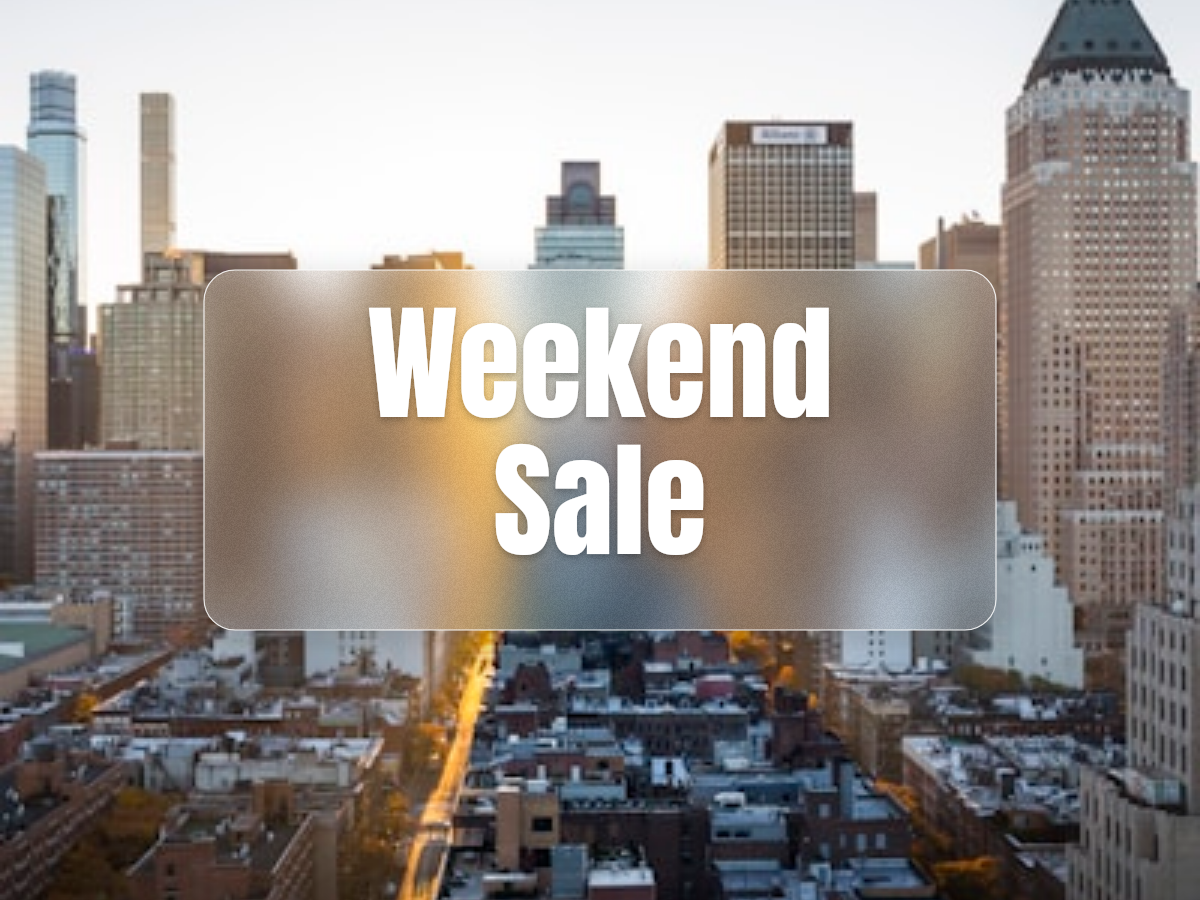
A frosted glass effect is a panel that blurs the photo behind it, adds a light white tint and fine grain, and has a soft bright edge, so text on top stays readable on a busy picture. In Photoshop it takes a selection, a Gaussian blur, a noise layer and a stroke.
On this page it takes one drop: your photo gets an iOS-style glass panel in about a second, you drag it where the headline goes, and Glass Maker in Canva makes the same look at full resolution on the photo in your design.
Glass effect in Canva without the 6-step trick
The usual way to fake glass in Canva works, but every panel is six manual steps and there is no grain or edge glow:
The manual trick
- Duplicate the photo.
- Blur the copy.
- Crop the copy into a square frame.
- Line it up over the original by hand.
- Lower its transparency.
- Add a shape with an outline on top.
With Glass Maker
- Select the photo and open Glass Maker.
- Pick a look: Frosted or Glass block, a shape, a blur.
- Drag the glass and press Add to design.
What is glassmorphism?
Glassmorphism is the design style behind iOS and macOS panels: translucent cards that blur what is behind them, with a light border and a soft shadow. Most guides about it are CSS for websites; this page and Glass Maker put the same look on a photo for posts, thumbnails and posters.
Ideas
Glass is for words that must stay readable on a photo:
- YouTube thumbnail: a Caption pill across the bottom for the title, readable at small size.
- Quote post: an iOS card in the middle of a landscape for the quote and the author.
- Product price tag: a Spotlight circle or Diamond badge next to the product with the price.
- Event poster: a Split panel with the date in the big glass and the place in the small pill.
Questions
Is the frosted glass effect free in Canva?
Yes. Glass Maker's free plan has Frosted and Glass block, 6 shapes and 2 glass frames per photo, and exports at full resolution without a watermark.
Is my photo uploaded?
No. This preview runs in your browser. In Canva, the app works on the photo in your design.
How do I make a glass effect in Canva?
Select a photo, open Apps, choose Glass Maker, click Start glass effect, drag the panel, then Add to design.
Can I put glass on text or graphics?
The app works on photos. Use Export design in the app to turn the page into a photo first. Glass lettering is in the app's Text glass tab.
Can I make fluted, cracked or stained glass?
Yes, with Glass Maker Pro inside the app, along with Heart, Star and 4 more shapes and up to 8 frames.
What is the difference between frosted glass and glass blur?
Frosted glass is blur plus fine grain and a light edge. Plain blur has no grain or edge, so it looks flat.
More Qrdy apps for Canva
Put a photo inside a shape with Image to Frame, or inside letters with Text to Frames.