Stacked Blocks Frame for Canva
Three blocks stacked in tiers, a layered cake or a pile of books. From the New Beginnings collection in Frames Lab’s Explore tab: click it there and it is added to your design, then drop a photo in.
Opens Frames Lab inside Canva. In the Explore tab, look for “New Beginnings” and click this frame.
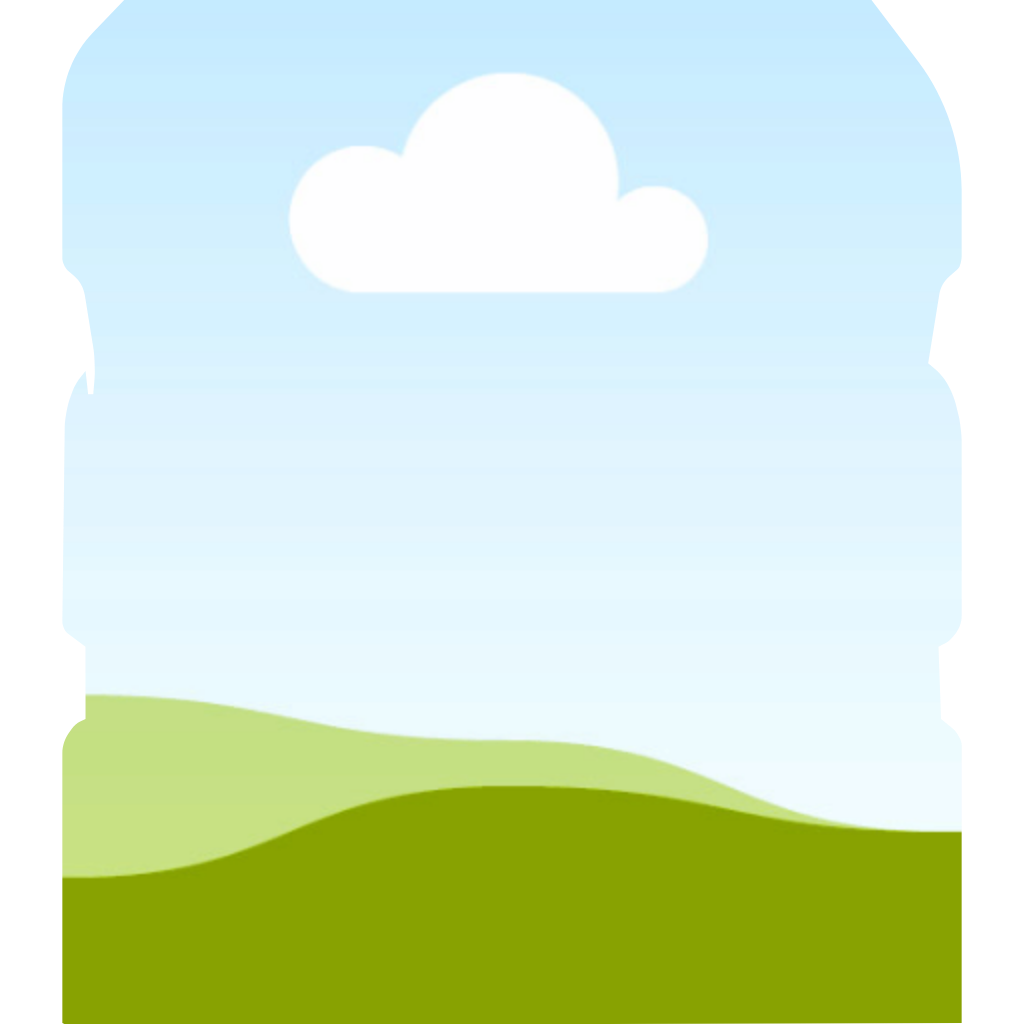
With a photo in it
How to use the stacked blocks frame in Canva
Need more detail? Read the full guide on docs.qrdyai.com · How frames work in Canva
- Open Frames Lab in Canva and switch to the Explore tab.
- Scroll to “New Beginnings” and click the frame.
- It is added to your design. Drag your photo into it.
Related frames
Ready-made frames and kits from Qrdy Frames are free for personal and commercial use in your designs. Please don't resell or redistribute the frame files.Notched circleFrames Lab
Round bracketFrames Lab
S curveFrames Lab
Tall cardFrames Lab
Wavy lineFrames Lab
Stacked cardsFrames Lab
Theme: new-beginnings · Shape: stack